 BabyTeller
One payment. The whole app.
Pro brings your partner, your caregivers and your other children into one shared log, and unlocks talking to the app, the Fortune Teller, tappable buttons and the Apple Watch app. Try all of it free for 7 days. See the pricing.
What one payment covers.
Six things, and every one of them is here because it was worth building rather than because a tier needed filling.
Try all of it free for 7 days. Then buy it once, or carry on free.
BabyTeller Pro
$9.99 once at launch · USD- Share the log with your partner or caregiver
- More than one child, on one family share
- Talk to it, and log a whole sentence at once
- The Fortune Teller: likely naps, feeds and bedtime
- Buttons on your Home Screen, Lock Screen and Control Center
- The Apple Watch app
Try Pro free for 7 days. Start it when you are ready. No automatic charge, and nothing to cancel.
Know what happened
before your turn.
The last bottle, the last diaper, when sleep began. Share the log so either of you can pick up where the other left off, and every entry shows who logged it.
Your phones catch up through iCloud when they are connected, and logging keeps working when they are not.
One purchase covers everyone. Up to 100 people can join your log and log for your children without buying anything.
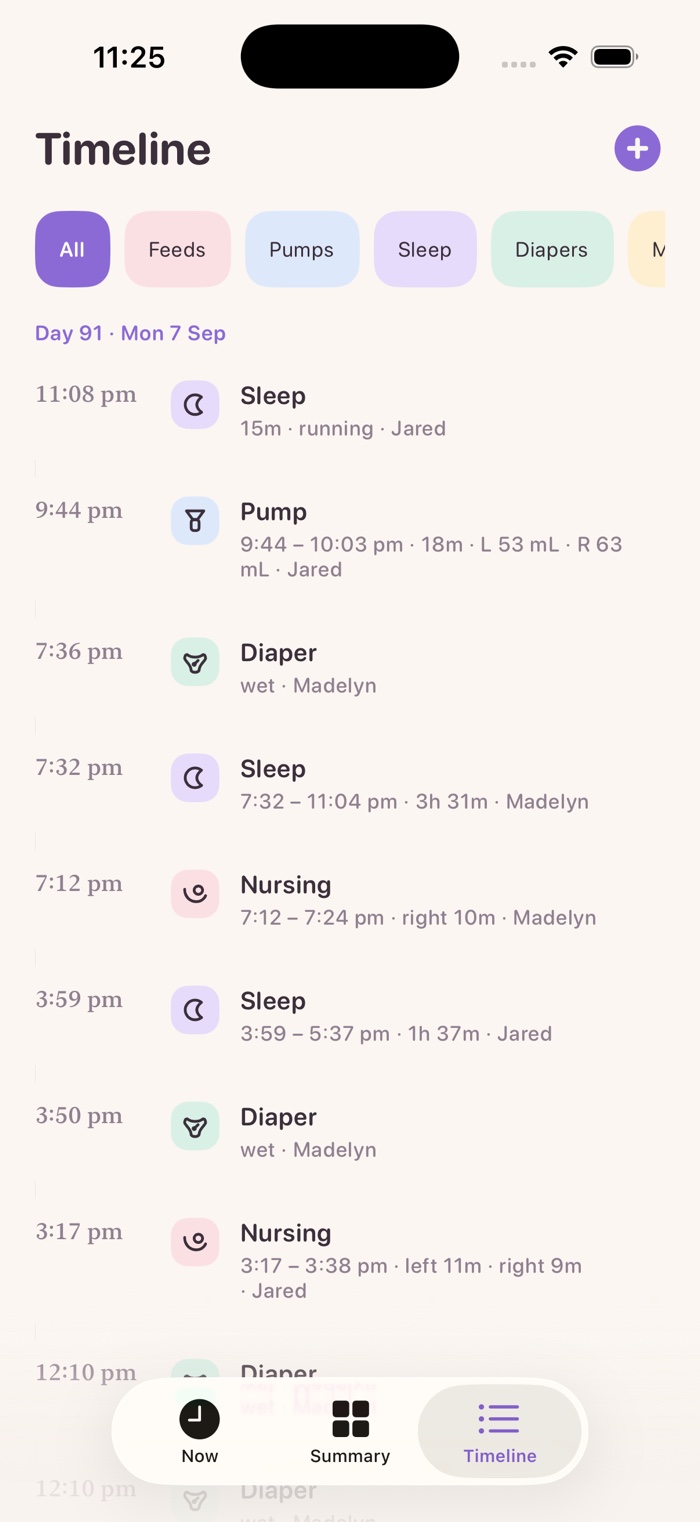
Put the phone down.
Keep talking.
For one quick thing, ask Siri. For the stretch from the changing table to the chair to the pump, open it and keep talking.
"Wet diaper, start sleep, and a four ounce bottle."
Each one gets its own card and its own Undo. If something is not clear, it asks you rather than guessing.
It listens on your phone, not on the internet, and it works with no signal at all.
When baby is likely to nap next.
A window, never a minute.
From your own log and your baby's age, it works out what is probably coming: the next nap, when baby will wake from this one, the next feed, the next change and bedtime. Always a window, always with what it is based on, all of it worked out on your phone.


Example screens, from a made-up baby's log.
- On your Lock Screen, and out loud: "when's the next nap", "what's next", "how will tonight go".
- A heads-up if you want one, ten minutes before the nap window. Off unless you turn it on.
It is honest about what it knows. Always a window, never a minute. Always what it is based on. It works from your baby's own rhythm rather than a chart, and it will never tell you baby is late.
It never changes your log, nothing it works out leaves your phone, and one switch turns it off.
Built on published infant sleep and feeding research. Babies vary, and none of this is medical advice.
Log it without opening the app.
The things you do twenty times a day, one tap from wherever you already are.
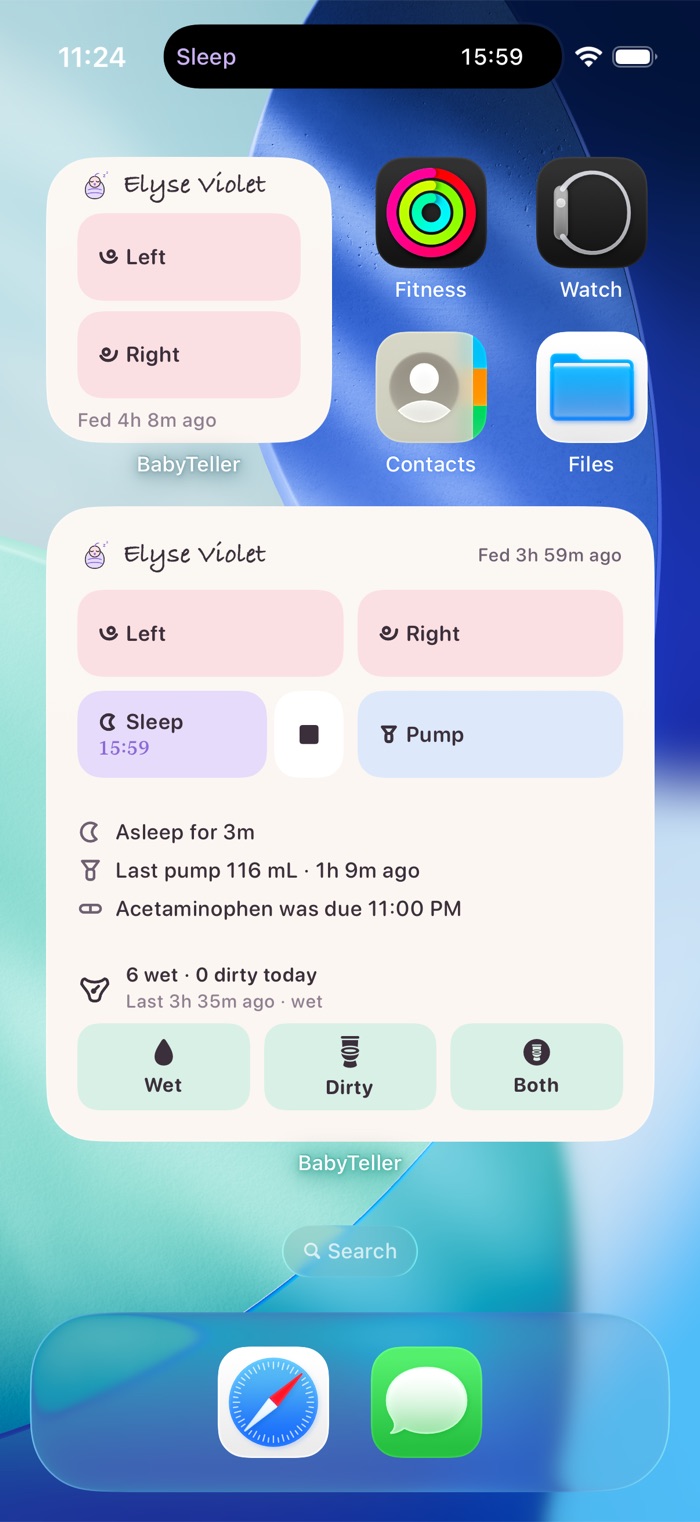
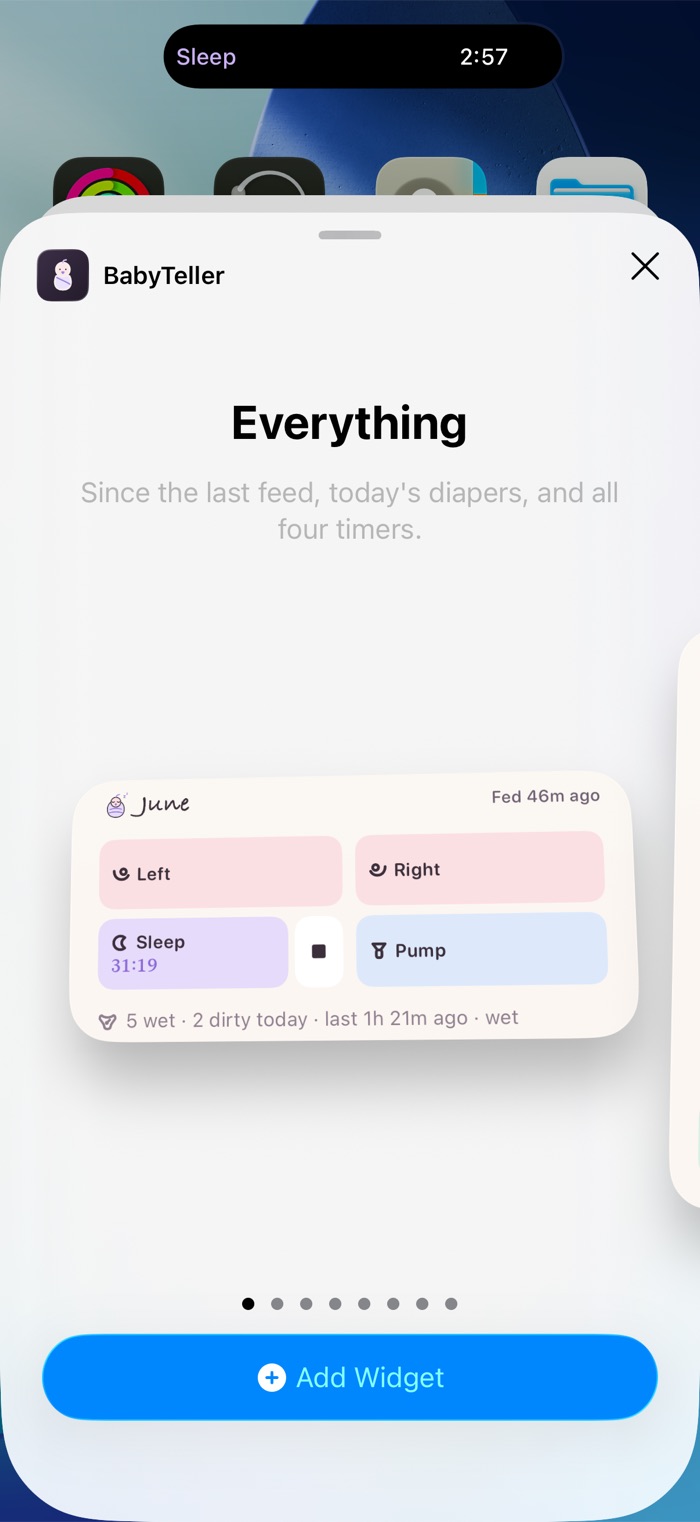
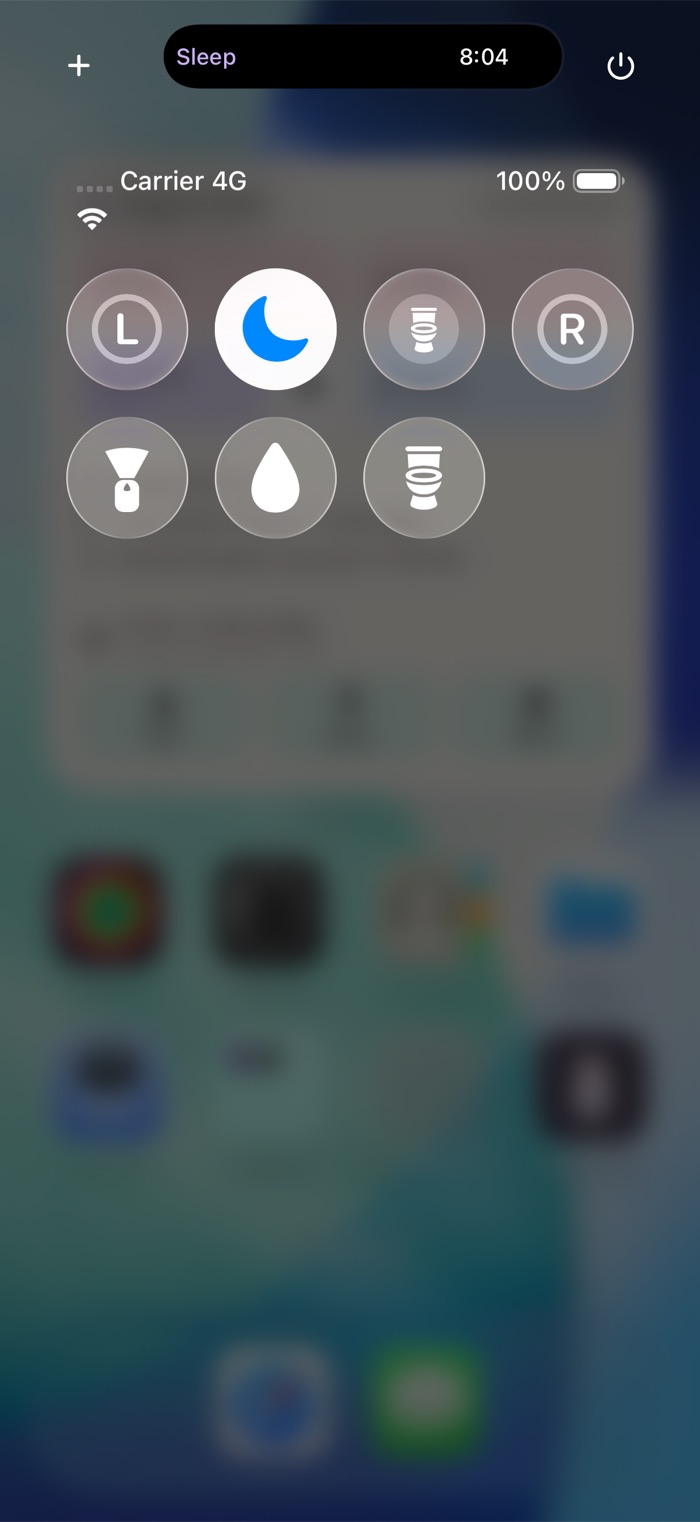
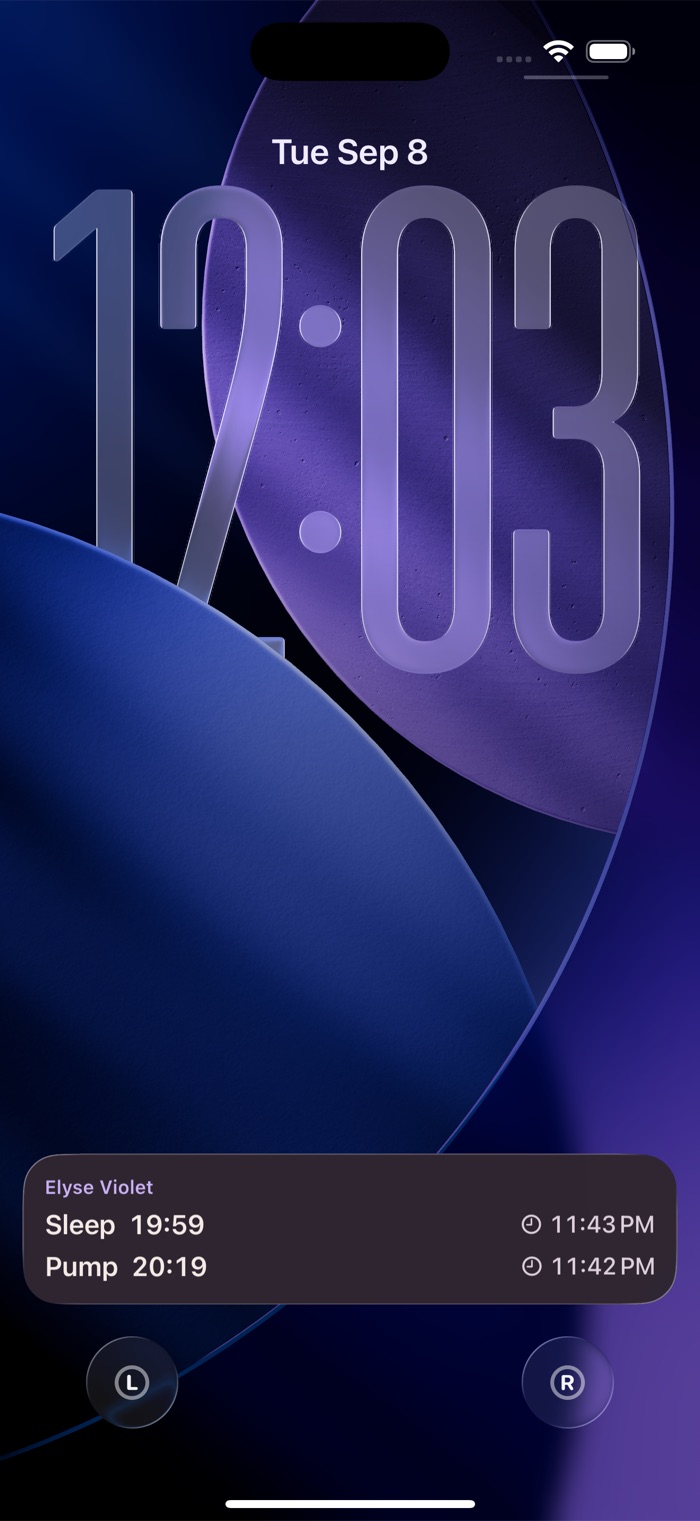
Your phone is across the room.
Your watch is not.
Start a feed, switch sides, end it, and see how the day has gone, without putting baby down to find your phone. Taps you make while the phone is away are sent the moment it is back.
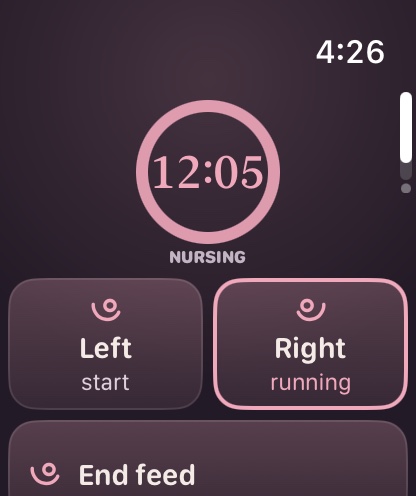
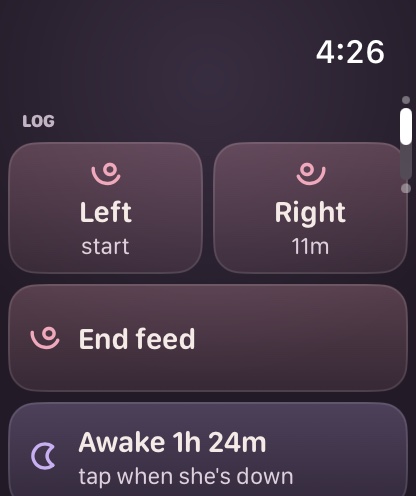
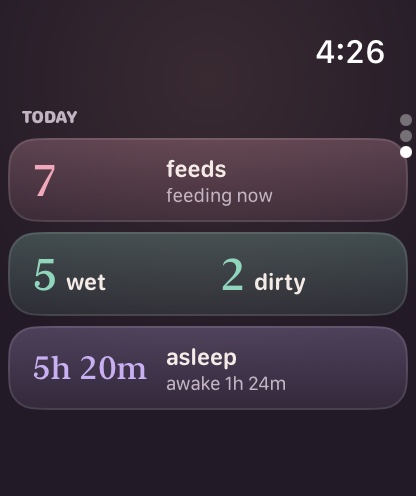
The watch keeps no second copy of your baby's log. There is one record, and it stays yours.
The free app is
a whole app.
Tracking one baby, your full history, milestones with your photos, growth, reminders and Siri are all free, and stay free whether you buy Pro or not.
See what is free